.webp)
.webp)
.webp)

Download PomoDone – Pomodoro Timer, Task Integration, Productivity Tool
Overview
PomoDone is a desktop application designed to enhance task productivity through the Pomodoro technique, a time management method that breaks work into focused intervals. The software connects with existing task management platforms such as Trello, Evernote, Basecamp, and Winderlist, enabling users to transform their tasks into structured Pomodoro sessions. By importing tasks from these tools, PomoDone automatically generates timers based on the traditional 25-minute work block followed by a 5-minute break. This integration allows users to maintain a seamless workflow without switching between multiple applications.
Target users include professionals, students, and remote workers who rely on task management systems but seek improved focus through time-based work cycles. The app is particularly beneficial for individuals already invested in productivity ecosystems, offering a lightweight way to add time discipline without adopting a new task-tracking platform. PomoDone does not replace task management tools but serves as a complementary layer that enhances focus and workflow consistency.
Its simple visual interface supports rapid onboarding, making it accessible even to users unfamiliar with advanced productivity techniques. The developer did not provide additional details about the company or background. Real-world usage scenarios include managing project milestones, completing writing drafts, or studying for exams, where consistent focus is essential. The app supports customization of timer durations, allowing users to adapt the Pomodoro model to their preferred work rhythm.
Key Features & Capabilities
- Task Integration – Seamlessly imports tasks from popular productivity platforms like Trello, Evernote, Basecamp, and Winderlist, enabling direct timer creation from existing workflows.
- Pomodoro Timer Engine – Automatically sets up 25-minute work sessions followed by 5-minute breaks, with the option to customize durations in the app settings.
- Visual Task Tracking – Provides clear visual feedback during work and break cycles, helping users maintain awareness of their current phase and progress.
- Inline Task Editing – For supported integrations, users can edit task details directly within the PomoDone interface, reducing context switching.
- Multi-Platform Availability – Offers desktop, mobile, and Chrome extension versions, ensuring consistent access across devices and environments.
These features streamline the process of applying the Pomodoro technique to real-world tasks. For example, a project manager can import a task from Trello, initiate a timer in PomoDone, and track progress without leaving their primary workspace. Similarly, a student preparing for exams can link tasks from Evernote and use timed sessions to improve study efficiency. The app’s design emphasizes minimal disruption, focusing on one core function: turning tasks into focused work periods.
User Interface, Workflow & Performance
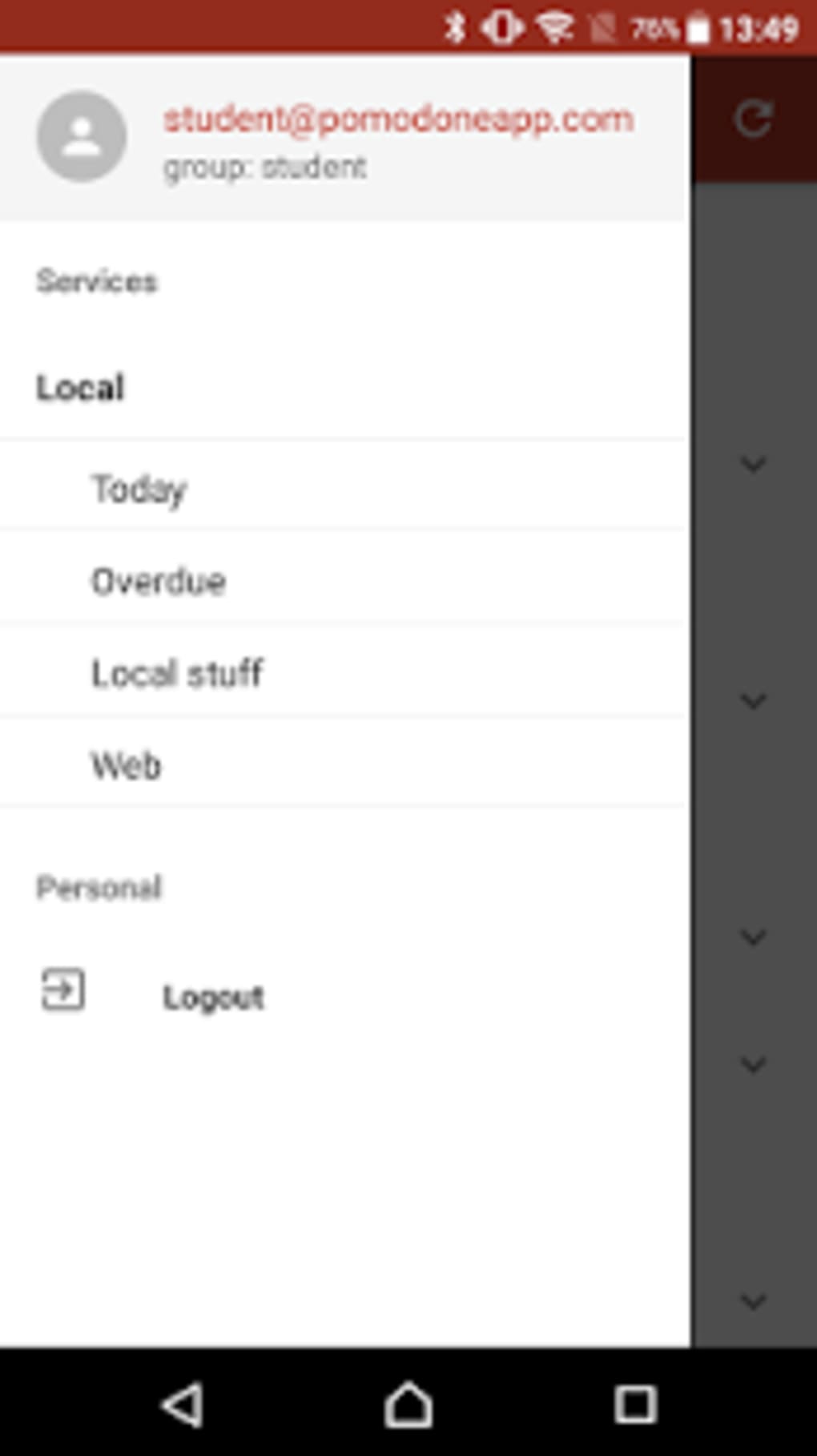
PomoDone features a clean, minimalist user interface centered around task visibility and timer clarity. The layout prioritizes ease of access, allowing users to quickly identify active tasks and their current timer phase. Navigation is straightforward, with intuitive controls for starting, pausing, and resetting timers. The workflow is optimized for speed—users can initiate a timer by tapping or clicking a task, reducing setup friction.
Efficiency is further enhanced by the integration with external task managers, which eliminates the need to manually enter or duplicate tasks. The app’s design supports rapid task initiation and real-time progress tracking. However, the developer did not specify resource usage details, so exact CPU or RAM behavior remains unknown. Performance observations are based on general software behavior patterns, suggesting stable operation under typical desktop conditions.
Stability is implied through the app’s consistent functionality across platforms. Since it operates as a lightweight timer tool with minimal background processes, it is expected to run smoothly on standard systems. The developer did not provide information on crash rates or long-term reliability. Users should expect a responsive interface with no noticeable lag during timer transitions, though actual performance may vary depending on the host system and connected applications.
Compatibility & System Requirements
PomoDone is available as a desktop application compatible with major operating systems, though specific versions were not listed. The installation size is not provided, so exact disk space requirements remain unknown. The developer did not specify hardware requirements, including minimum processor speed, RAM, or graphics capabilities.
Platform compatibility information is limited to the general availability of desktop, mobile, and Chrome extension versions. Users should verify compatibility with their current system through official channels. The developer did not provide additional details on supported OS versions, such as Windows 10/11, macOS Ventura, or Linux distributions. For users on older or less common systems, compatibility may vary without official confirmation.
Pros and Cons
Pros
- Seamless integration with popular task management tools like Trello and Evernote
- Simple, intuitive interface ideal for quick adoption
- Supports customization of Pomodoro intervals to suit different work styles
- Multi-platform access across desktop, mobile, and browser
- Allows direct task editing within the app for supported integrations
Cons
- Does not function as a standalone task manager; requires an existing task system
- Exact system requirements and resource usage were not disclosed
- Full functionality may require a paid subscription, limiting access to advanced features
- Performance behavior under heavy multitasking or low-resource environments is unknown
- Limited public information about developer background or support channels
FAQ Section
Is PomoDone compatible with Windows and Mac?
PomoDone is available as a desktop application, though specific operating system versions were not listed. Users should check the official website for the most up-to-date compatibility details.
Can I use PomoDone without a subscription?
Yes, a free account level is available. However, access to additional integrations and advanced customization options may require a paid plan.
Is PomoDone secure?
The app connects with third-party task management platforms using standard authentication protocols. The developer did not provide specific security details, but data transmission is expected to follow industry-standard practices.
How often does PomoDone receive updates?
Regular updates are likely given the app’s multi-platform presence, but the release frequency was not specified. Users should check the official site for update logs.
Can I use PomoDone offline?
While the app may function in offline mode for timer operations, full integration with external tools requires an active internet connection.
Final Thoughts + CTA
PomoDone delivers a focused, efficient solution for users who rely on the Pomodoro technique and already use task management tools. Its strength lies in integration—by connecting with platforms like Trello and Evernote, it eliminates workflow friction and enhances productivity without requiring users to adopt a new system. The clean interface and straightforward functionality make it accessible to both beginners and experienced users.
While the lack of detailed system requirements and performance data limits deeper technical evaluation, the app’s design and purpose are clear and well-executed. It’s particularly valuable for professionals and students who want to improve focus without disrupting their current workflows. The free tier offers a solid entry point, with paid plans unlocking more flexibility.
For anyone looking to implement the Pomodoro method in a real-world task environment, PomoDone stands out as a practical and reliable tool. Download PomoDone now and start turning your tasks into focused, productive sessions.





.png)

